Microsoft Teams Security
Understanding Microsoft Teams security
Microsoft Teams has become the connective system of enterprise operations, carrying messaging, file sharing, video conferencing, and external partner collaboration through a single interface used by organizations worldwide. That concentration of activity is exactly what makes the platform a valuable target. Sensitive files, credential resets, and third-party access all move through one collaboration surface, so a single misconfiguration or compromised account can expose far more than one conversation.
Microsoft builds enterprise-grade infrastructure into Teams by default, but strong Microsoft Teams security depends on more than what ships out of the box. The exposure lives in the space between a secure platform and how that platform gets configured and used day to day.
How secure is Microsoft Teams?
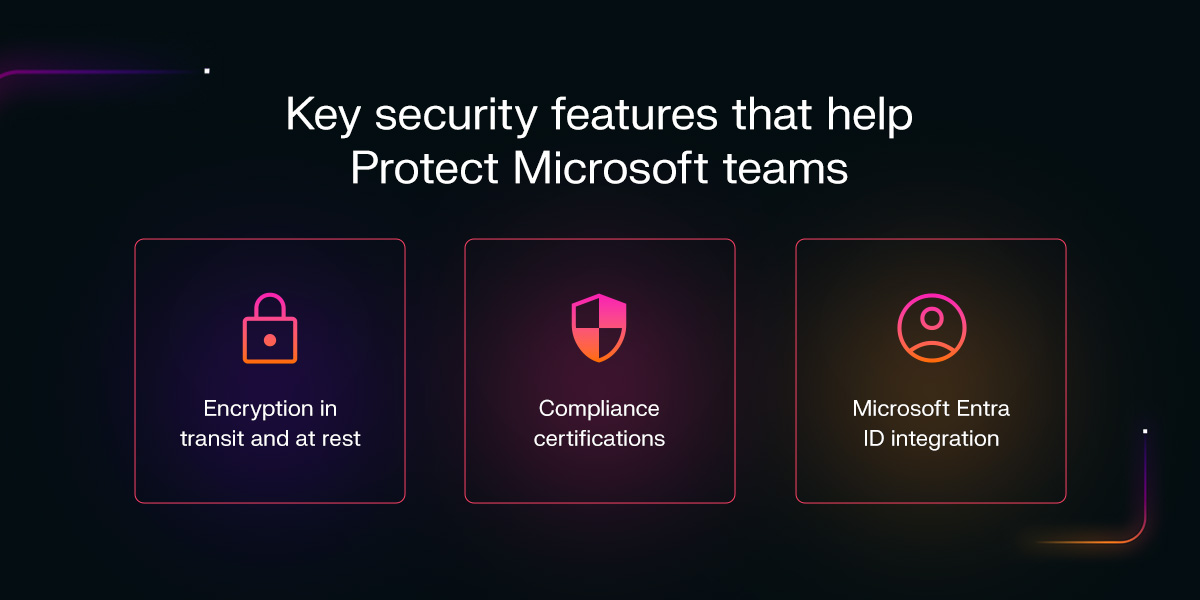
Microsoft Teams has a secure foundation. As digital collaboration tools have become fundamental workplace infrastructure, Teams has built a strong technical safeguard underneath that role:
- Encryption in transit and at rest: Messages and files are protected through Transport Layer Security (TLS) encryption and security architecture built into the platform.
- Compliance certifications: Teams carries ISO 27001, SOC, and FedRAMP certifications, along with HIPAA eligibility, giving regulated organizations a documented assurance.
- Microsoft Entra ID integration: Native identity management ties Teams authentication into the broader Microsoft 365 identity fabric.
However, native controls alone are not enough. Microsoft's customers face 600 million adversary attacks daily. The security of Microsoft Teams depends less on the platform and more on how it's configured and governed. Identity governance, Data Loss Prevention (DLP) configuration, guest and external access permissions, Teams sprawl, and meeting hygiene all fall to the organization.
What are the best practices for securing Microsoft Teams?
Microsoft Teams provides a strong built-in security foundation, but protecting the platform requires deliberate configuration and ongoing oversight. The following best practices address the most important areas of Teams security, from controlling identities and sensitive data to governing external collaboration and detecting emerging threats.
1. Identity and access management (IAM)
Identity carries the widest-scope risk because Teams inherits whatever identity posture the rest of Microsoft 365 carries. One compromised credential is simultaneously an email, Teams, SharePoint, and OneDrive problem. Organizations should implement the following for IAM:
- Multifactor authentication (MFA): Enforcing MFA across all accounts, including service and guest accounts, reduces account compromise risk by up to 99.22%, though legacy protocols can bypass it unless blocked through Conditional Access.
- Conditional Access policies: Device compliance, location-based restrictions, and session risk scoring apply context-aware evaluation rather than binary access decisions.
- Regular access reviews: Privileged Identity Management flags dormant accounts and stale guest memberships before they become long-term exposures.
- Least privilege: Limiting access to only the channels and files a role requires keeps the blast radius of any single compromised account contained.
2. Information protection and data loss prevention (DLP)
Teams channels routinely carry contracts, financial projections, and other sensitive data that employees rarely register as a data loss risk in a chat environment. DLP policies are critical for hardening Teams security:
- Sensitivity labels: Microsoft Purview labels govern what can be shared, downloaded, or forwarded, and can differ between public and private channels.
- DLP policies: Configured rules detect and block regulated data, including payment information and health records, before it leaves the organization.
- Data retention: Schedules aligned to compliance posture prevent unmanaged data from sitting indefinitely as both a regulatory and exfiltration risk.
3. Threat protection
Teams is increasingly used as a phishing and malware channel because messages arriving through what feels like an internal tool carry implicit trust, a dynamic that adversaries actively exploit.
Microsoft Defender for Office 365 extends Safe Links and Safe Attachments into Teams, rewriting URLs at click time and sandboxing files before delivery. Both work well against known payloads. However, token theft and consent phishing target post-authentication access, creating risks that signature-based controls may not fully address. Native controls generally miss payloadless social engineering, novel or typo-squatted domains, and post-authentication behavior.
That gap between what signatures catch and what adversaries actually do is where robust threat detection becomes necessary. Strong threat protection starts with configuring what's available:
- Safe links and safe attachments: Microsoft Defender for Office 365 extends both into Teams, rewriting URLs at click time and sandboxing files before delivery.
- Anti-phishing and impersonation policies: These flag attempts to spoof internal domains or impersonate specific users, a common precursor to Teams-based social engineering.
- User reporting and awareness training: Equipping employees to recognize and report suspicious messages covers ground that automated detection alone can't.
4. Secure governance and configuration
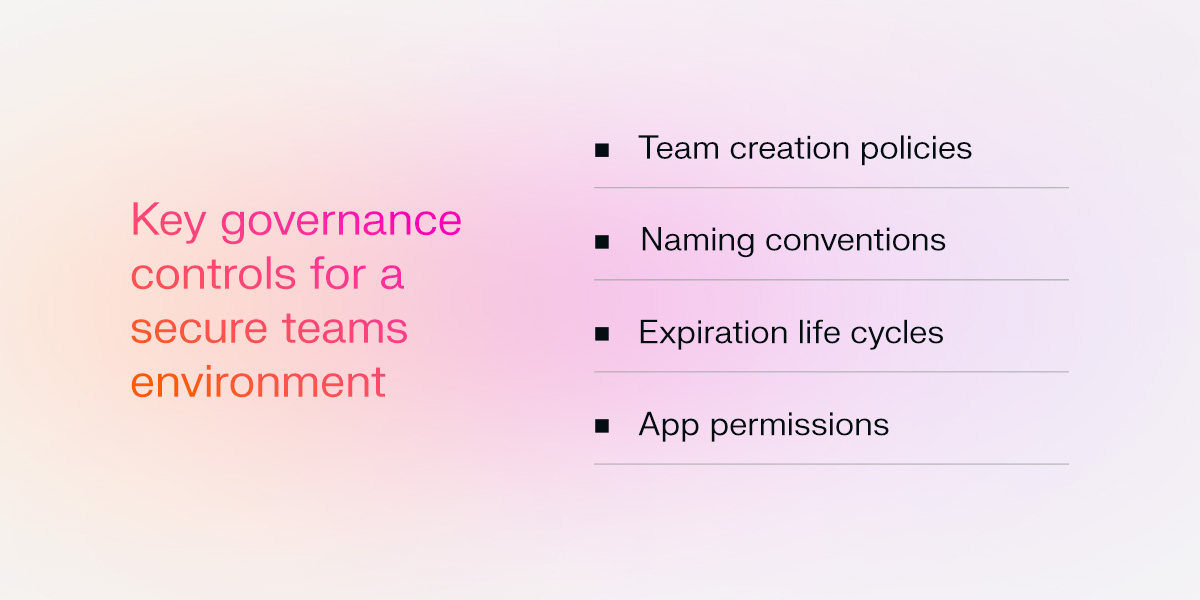
Unchecked sprawl, meaning teams and channels created without IT oversight, produces inconsistent permissions and data that falls outside DLP or retention coverage. To reduce sprawl and maintain consistent oversight, organizations should establish governance controls that define how Teams environments are created, managed, accessed, and retired:
- Team creation policies: Restricting creation to admins or requiring an approval workflow closes an easy governance gap.
- Naming conventions: Standardized names make ownership and sensitivity level visible at a glance, supporting audits at scale.
- Expiration life cycles: Flagging inactive teams for renewal or automatic archiving prevents ownerless teams from retaining files indefinitely.
- App permissions: Limiting third-party app installations to approved tools removes a risk that sits outside DLP coverage entirely.
5. Securing external collaboration
External collaboration in Microsoft Teams introduces a different kind of exposure than internal messaging because it extends communication beyond the organization’s trusted tenant. External access, also called federation, allows users to chat and meet with people in other Microsoft 365 tenants. Guest access goes further by inviting outside users directly into teams, channels, files, and conversations.
Both settings support legitimate business workflows, but they need tighter governance than Microsoft’s default configuration typically provides. If external access remains open to all tenants, threat actors can discover internal users and initiate contact through a channel employees may inherently trust. The Cybersecurity and Infrastructure Security Agency (CISA) Teams baseline recommends replacing that open model with a per-domain allowlist so organizations can control which external tenants are approved for collaboration.
Guest access requires the same level of oversight. Organizations should limit what guests can do inside Teams, including whether they can create channels, share files, or access sensitive content. Access reviews should also confirm that guest accounts are removed when a project, vendor relationship, or partnership ends. Monitoring for unusual behavior, such as off-hours access, bulk downloads, or activity from dormant guest accounts, helps identify compromised or misused access before it becomes a broader exposure.
How can behavioral security help improve secure communication across Microsoft Teams?
The practices above establish a strong foundation, but they only enforce policy against known risks by design. Adversaries operating within legitimate-looking behavior or running novel social engineering campaigns fall outside what rule-based tools can catch.
Adaptive AI builds a behavioral baseline for every user and entity across the Teams environment, modeling what looks normal for that specific account rather than matching known signatures. Any deviation gets flagged regardless of whether a known indicator matches it:
- A user account logs in from a location with no prior association and immediately accesses high-sensitivity channels it has never visited.
- A dormant guest account begins downloading bulk files from multiple channels during off-hours.
- An internal user's messaging patterns shift toward unusual link-sharing and contact with accounts never previously reached, signaling compromise in its early stage.
In a 2024 EMEA phishing campaign, an adversary sent 63 Teams messages across 21 different chats using typo-squatted SharePoint links, all identified through behavioral anomaly detection rather than payload signatures.
AI-supported triage also makes it possible to interrupt an attack at that behavioral signal stage, before credential theft occurs, saving at least 20 hours per analyst weekly.
Learn more about building a resilient collaboration ecosystem
Securing Microsoft Teams requires two complementary layers. Organizations must harden native controls through identity, data protection, threat protection, governance, and external access practices, then add behavioral detection to catch what those rule-based controls can't see coming.
Darktrace's AI-powered platform extends this second layer across the Microsoft collaborative environment, building a behavioral understanding of users and entities across Teams, email, and identity in one unified view, rather than relying on signatures or known-bad indicators. Our model reflects each organization's own environment, so it can flag adversary activity even without a prior playbook.
To learn more about how to secure Microsoft Teams, explore our guide to securing Microsoft 365.